
A thoughtful AI workspace for Mac
Turn questions into results you can use.
Think naturally in chat, then move into a guided skill when your goal is ready.
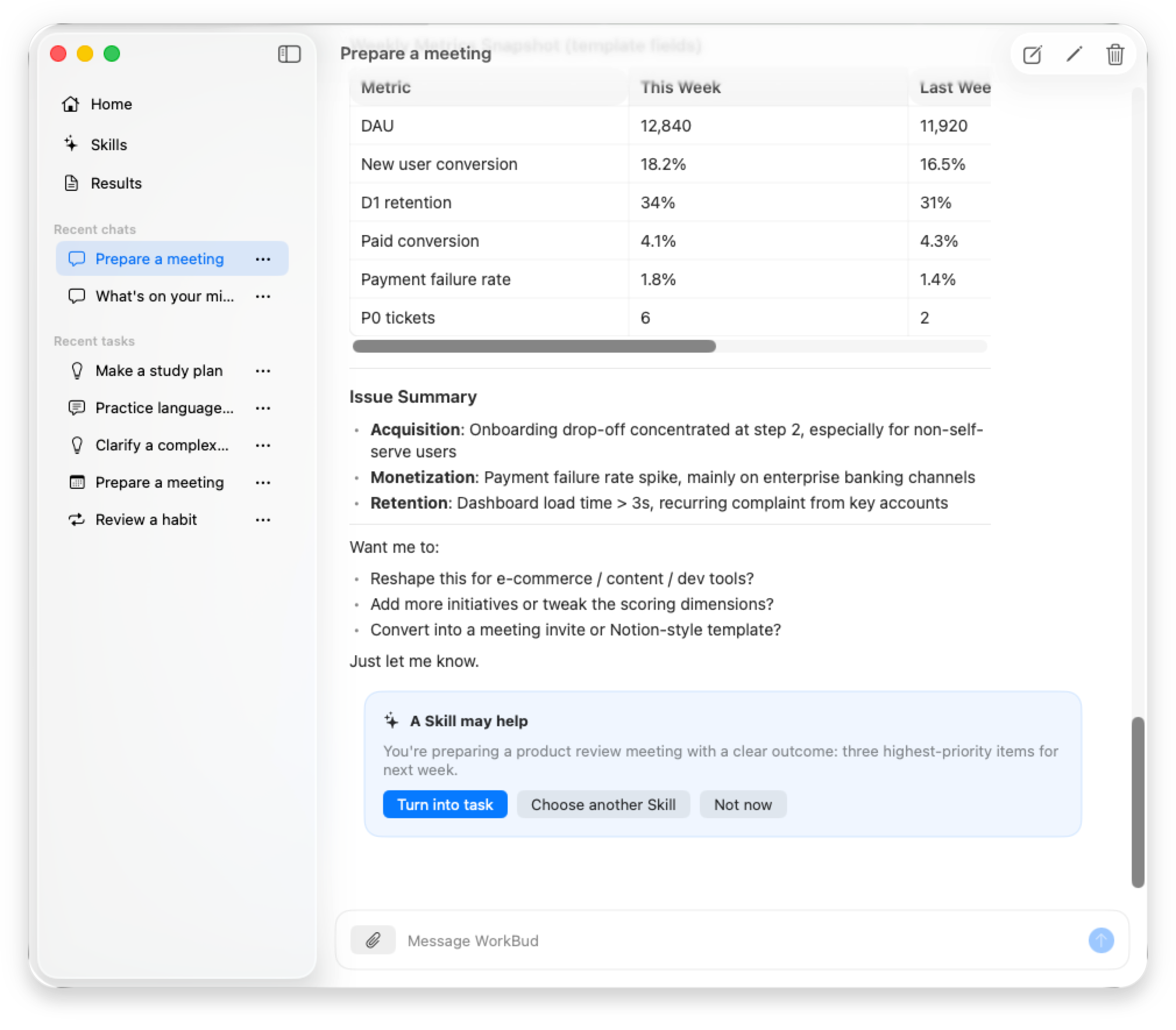
A clear working path
From question to result, the path stays clear
WorkBud X never turns every thought into a task. You choose when a conversation is ready to become focused work.
Think it through
Start with a natural conversation. Explore the situation without filling out a rigid form.
Choose the right skill
When the goal is clear, confirm an editable handoff into the right guided skill.
Keep the result
Review a useful Markdown result, refine it, and keep earlier versions as the work improves.
Work you can carry forward
Leave with something finished
A message you can send
A review you can act on
A plan you can follow
Built-in skills
Practical routes for everyday work
Life admin, communication and career, personal growth, and small business—all built around a concrete result.
Explore all skillsClear privacy boundaries
Your working history stays yours
Chats, tasks, and results live on your Mac. Original files remain local. When you ask the model for help, only bounded text needed for that request is processed.
Read the privacy policyBefore you begin
A few useful answers
What does WorkBud X run on?
WorkBud X is a native app for macOS 15 or later.
Can I use the app without Pro?
You can open and manage existing local chats, tasks, and results. Starting a new model operation requires WorkBud X Pro.
Does WorkBud X upload my files?
Original PDFs, images, and text files stay on your Mac. WorkBud X extracts bounded text locally and includes only selected evidence in a request you start.
Does my content sync between devices?
The current version saves chats, tasks, results, and attachments on this Mac and does not sync them between devices. You can export results for use elsewhere.